Stromleser.one Overview
Welcome to the stromleser.one documentation! Here you'll find all the information you need to install, configure, and optimally use your stromleser.one.
User Manual
The complete user manual is available here as a PDF:
Documentation Index
| Category | Page | Description |
|---|---|---|
| Getting Started | Box Contents | What's included in the package |
| Compatible Meters | Supported electricity meter models | |
| Installation | Physical Installation | Mounting on the electricity meter |
| Power Supply | Connecting the power supply | |
| Installation Video | Step-by-step video guide | |
| App Setup | Device-Specific Steps | App setup for the stromleser.one |
| Integrations | Home Assistant | Integration with Home Assistant |
| Local API | Access via local API | |
| Device Management | Factory Reset | Reset device to factory settings |
| Advanced | FAQ | Frequently asked questions |
What is stromleser.one?
The stromleser.one enables simple and precise monitoring of your electricity consumption. Thanks to the plug-and-play installation via the stromleser app, it can be used effortlessly by anyone – no technical knowledge required.
All consumption data is transmitted directly to the app, where it is evaluated graphically and numerically – live, clearly, and efficiently.
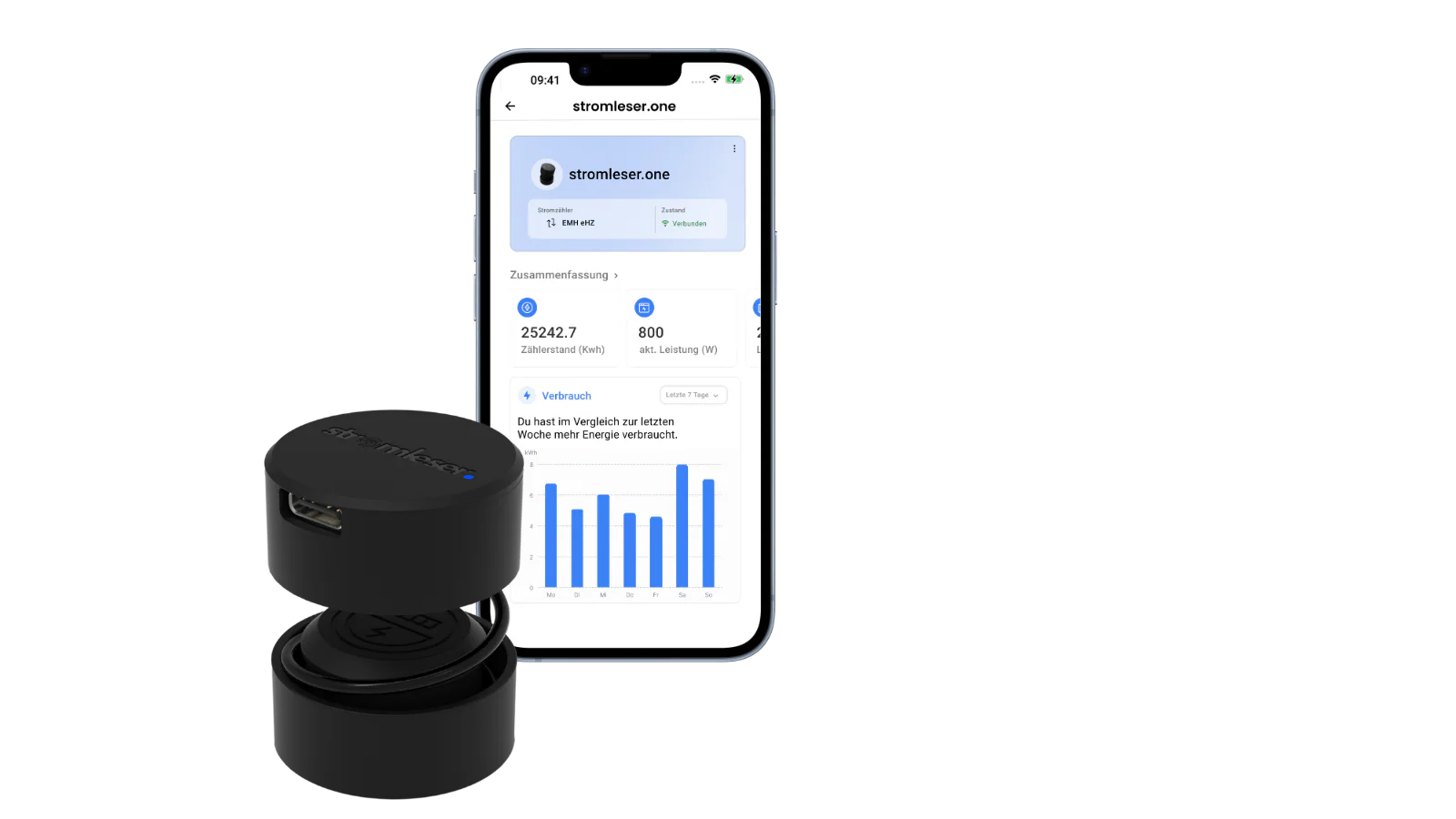
Main Features
- Attachment to the D0 infrared port of your digital electricity meter
- Wi-Fi connection via the stromleser app
- Live reading of meter data and secure transmission to the cloud
- Real-time display of consumption and history directly in the app
Key Benefits
- Quick plug-and-play installation – no electrician required
- Real-time insights into consumption and PV feed-in
- Precise monitoring through stable magnetic attachment
- Works even in tight meter cabinets thanks to DIN rail power supply
- Helps reduce energy costs through data-driven decisions
CE Conformity
The stromleser.one complies with all relevant EU standards and bears the CE mark:
View CE Declaration of Conformity
Quick Start
- Check Compatibility - Make sure your meter is supported
- Installation - Mount the stromleser.one on the meter
- App Connection - Set up the connection
- Integrations - Connect to your smart home