Gasleser Overview
Welcome to the Gasleser documentation! Here you'll find all the information you need to install, configure, and optimally use your Gasleser.
User Manual
The complete user manual is available here as a PDF:
Documentation Index
Getting Started
- Box Contents - What's included in the package
- Compatible Meters - Supported gas meter models
Installation
- Physical Installation - Mounting on the gas meter
- Power Supply - Connecting the power supply
- Installation Video - Step-by-step video guide
App Setup
- Device-Specific Steps - App setup for the Gasleser
Configuration
- Setup Overview - Overview of configuration steps
- Meter Parameters - Setting meter values
- Tariff Parameters - Configuring gas tariffs
- Complete Configuration - Finalizing the setup
Usage
- Understanding Gas Charts - Interpreting consumption charts and calculating costs
Integrations
- Home Assistant - Integration with Home Assistant
- Local API - Access via local API
Device Management
- LED Indicators - Meaning of LED signals
- Factory Reset - Reset device to factory settings
- Troubleshooting - Solutions for common problems
- Device Removal - Uninstalling the Gasleser
What is Gasleser?
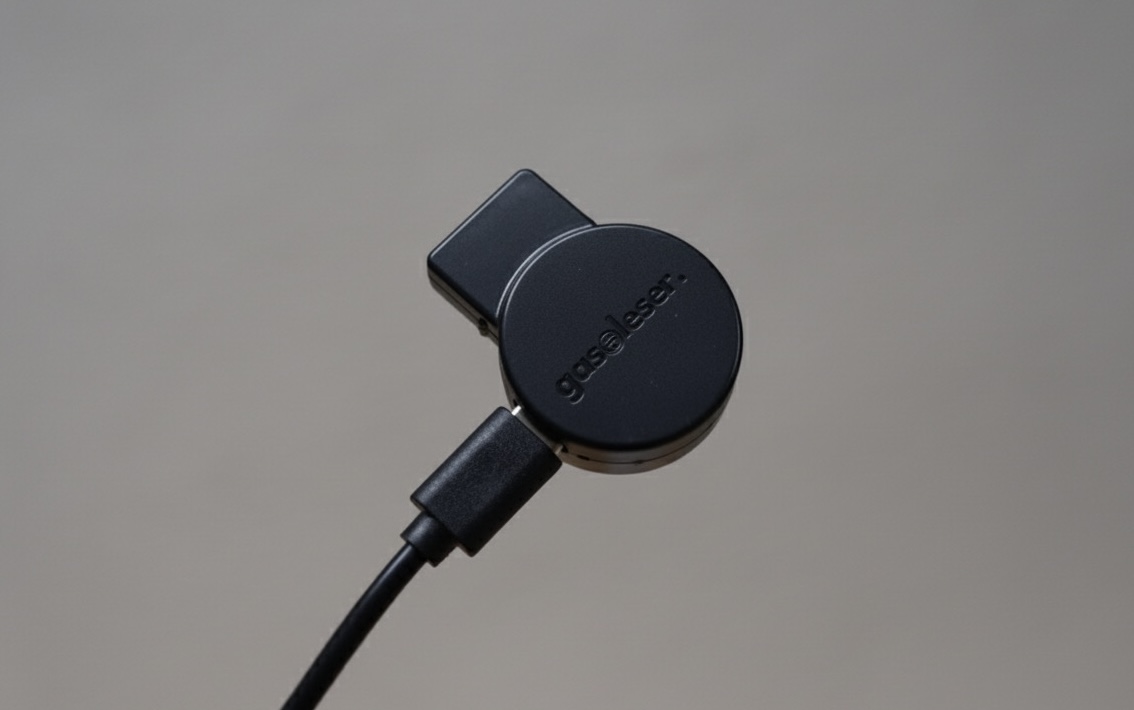
The Gasleser makes your gas meter smart – without requiring any modifications to the meter itself.
How it Works
Since conventional gas meters don't provide digital values, the Gasleser uses optical detection of the meter dial's rotation. This allows your gas consumption to be captured precisely and reliably in digital form.
If you unplug the device, the counting may be reset. In this case, you'll need to recalibrate the current gas meter reading in the app so that the Gasleser can continue counting from that point.
Why is it reset? The stored meter reading would become inaccurate over time if the device is off for an extended period. To ensure that measurement always remains precise, the meter is therefore reset to 0 upon restart.
Key Features
- Compatibility: Supports all common BK meters, universally applicable
- Easy Installation: Plug-and-play setup without technical knowledge
- Secure Mounting: Direct attachment to meter with included adapter
- Smart Home Integration: Compatible with common systems
- Real-time Data: Instant consumption information in the app
CE Conformity
The Gasleser meets all relevant EU standards and carries the CE marking:
Download CE Declaration of Conformity
Quick Start
- Check Compatibility - Make sure your meter is supported
- Installation - Mount the Gasleser on the meter
- App Connection - Set up the connection
- Configuration - Configure the parameters