stromleser.ttl
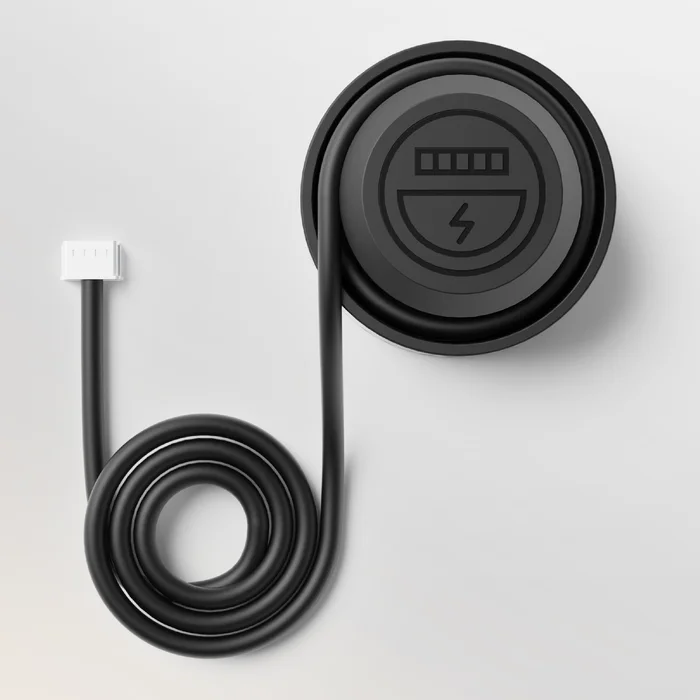
The stromleser.ttl is a sensor for electricity meters with an optical interface. You connect it to the Node with a cable and place it on the optical interface of your electricity meter.
Connect the stromleser.ttl exclusively to Port 1 or 2 of the Node. A maximum of 2 stromleser.ttl can be connected to one Node.
Is this the right sensor?
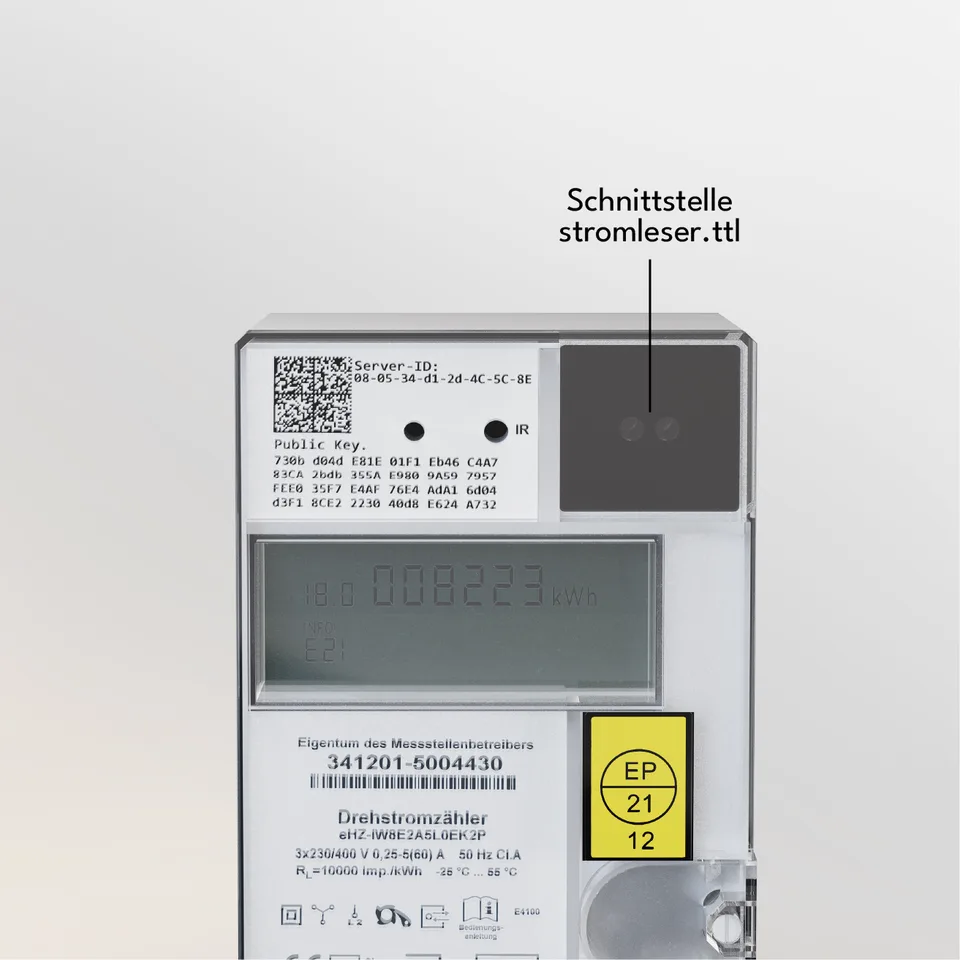
The stromleser.ttl fits electricity meters with an optical interface. The marked spot shows the interface you place the sensor on.
For real-time values you usually have to request a PIN from your metering operator beforehand and enter it on the meter.
You can find out whether your meter is compatible in the compatibility list at energieleser.de. If you are unsure, send a photo of your meter to info@energieleser.de.
Connecting and attaching the sensor
1. Connecting the sensor to the Node
Plug the sensor's cable into Port 1 or 2 of the Node – the stromleser.ttl only works on these two ports. You can find all information about the ports under Connecting Sensors to the Node.

2. Attaching the sensor to your meter's interface
Next step
Once all sensors are connected and attached, continue with Attaching the Node.