Physical Installation
The physical installation of your wasserleser is completed in several simple steps. This guide walks you through the complete mounting process on your water meter.
Before Installation
Safety Notice
- Do NOT turn off the water supply during installation
- Work carefully around the water meter
- Ensure you have access to a power outlet nearby
- Use only the included mounting hardware
Mounting Prerequisites
Before installation, ensure that:
- Your water meter is compatible (see Compatible Meters)
- The meter area is clean and easily accessible
- You have all components from the package available
Installation Methods
There are two installation methods depending on your water meter type:
Method A: Adapter Installation (for meters with indentation)
For water meters with an indentation or mounting groove around the dial.
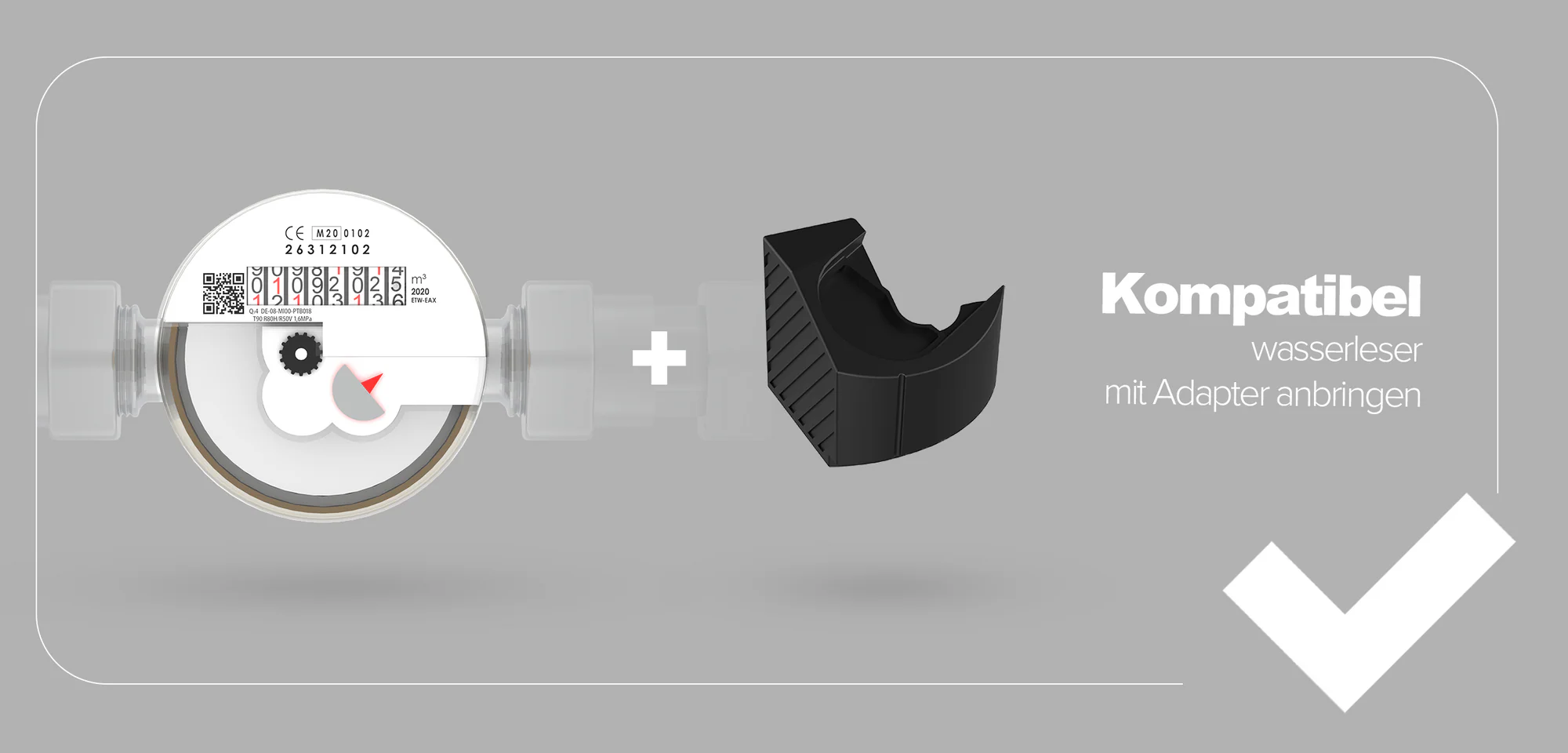
Follow detailed instructions: Adapter Mounting
Method B: Metal Plate Installation (for flat surface meters)
For water meters with a smooth, flat glass or plastic surface.
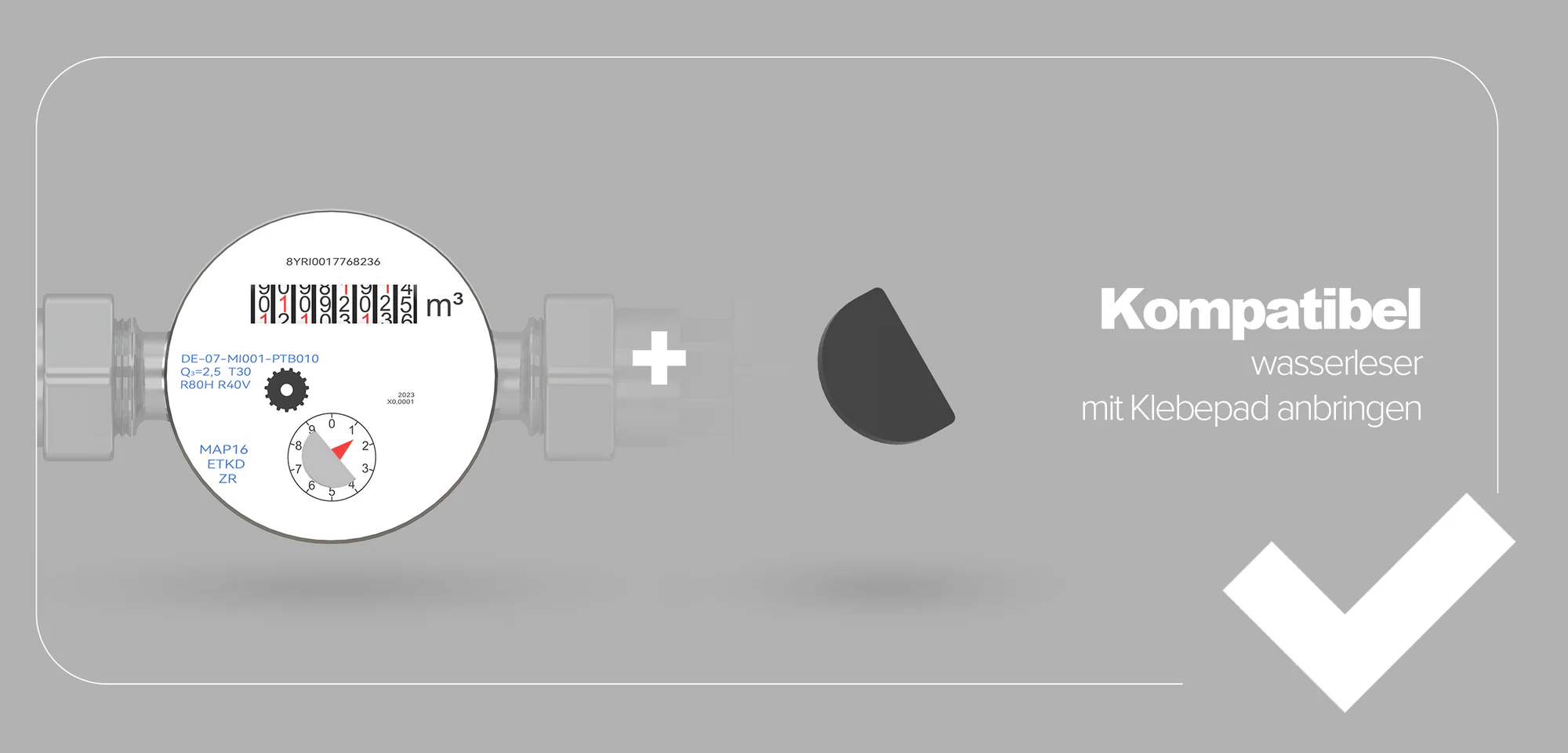
Follow detailed instructions: Meter Plate Mounting
Quick Installation Overview
For Adapter Method:
- Insert adapter into meter indentation
- Secure adapter until it clicks
- Place wasserleser on adapter
- Align sensor with rotating metal disc
For Metal Plate Method:
- Attach metal plate to wasserleser
- Position sensor above rotating metal disc
- Clean meter surface
- Remove adhesive backing and press firmly
Important Installation Notes
Optimal Positioning
- Ensure the wasserleser sensor is optimally aligned with the rotating disc
- The sensor must be directly above the metal disc for accurate readings
- The wasserleser should sit firmly and securely
Installation Safety
- Do not damage the water meter
- Do not use excessive force
- Consult a professional if unsure
Avoiding Common Installation Errors
- Poor alignment: Can lead to inaccurate readings
- Loose mounting: Affects sensor performance
- Wrong mounting method: Use the correct method for your meter type
Next Steps
After physical installation is complete:
- Connect Power - Connect the USB-C cable and power adapter
- App Setup - Configure the device in the app
- Initial Reading - Enter your current meter reading