Factory Reset
Warning
A factory reset will permanently delete all stored data on the device, including the WiFi credentials and the stored meter reading.
Manual Reset
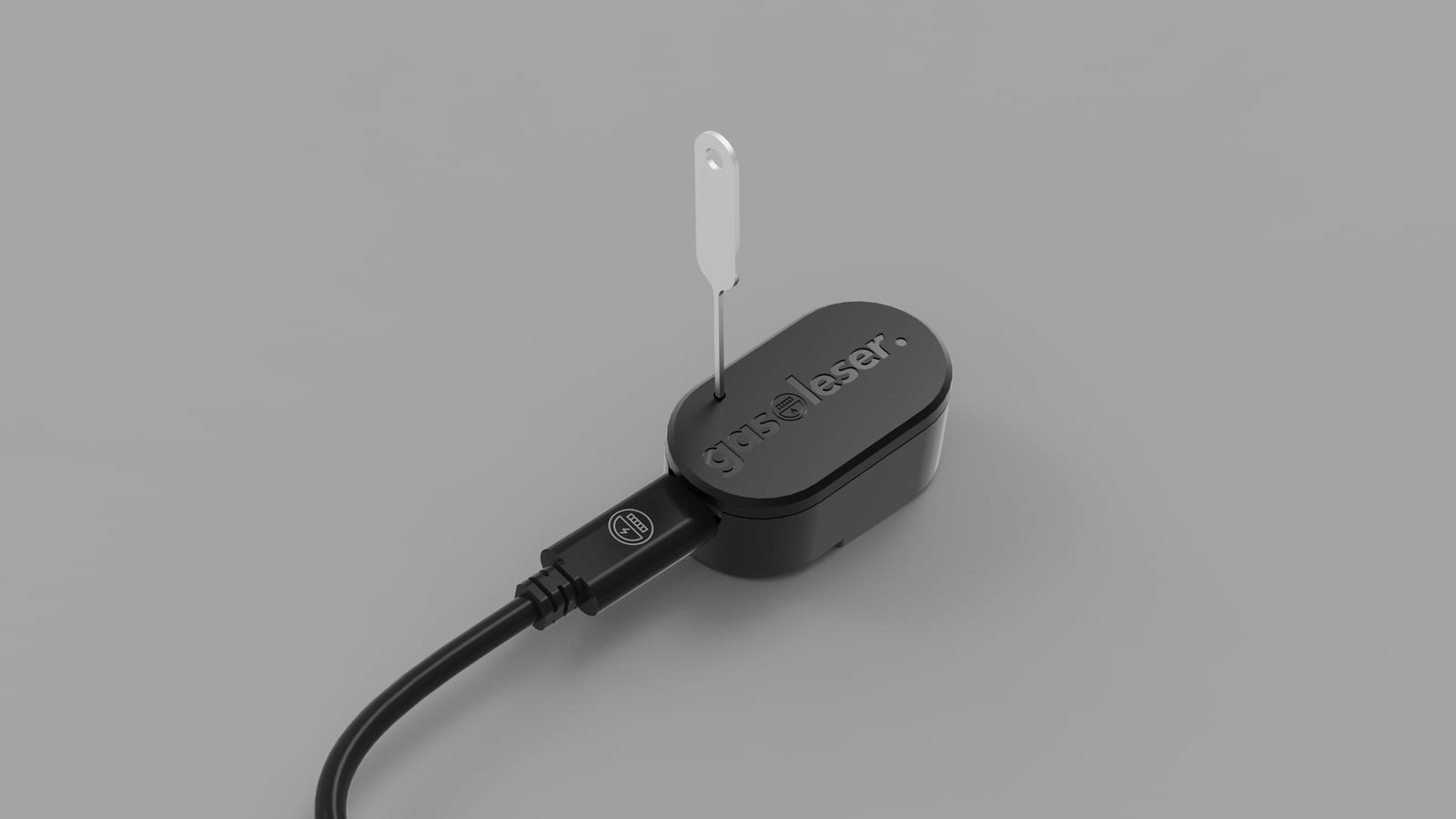
To manually reset the gasleser.pulse to factory settings:
- Use a SIM ejector tool or similar
- Insert the tool into the reset opening
- Hold the internal reset button for 9 seconds
- The device will be reset to factory settings
- All stored data will be removed
Automatic Reset
Deleting from the app
When the device is deleted from the app, it resets itself to factory settings automatically. See Remove Device.
After a Reset
After the reset, the device behaves like a brand new unit:
- Run through the App Setup again
- Re-enter the Tariff Parameters
- Re-enter the current Meter Reading