Verification & Troubleshooting
Step 3: Save Script and Restart
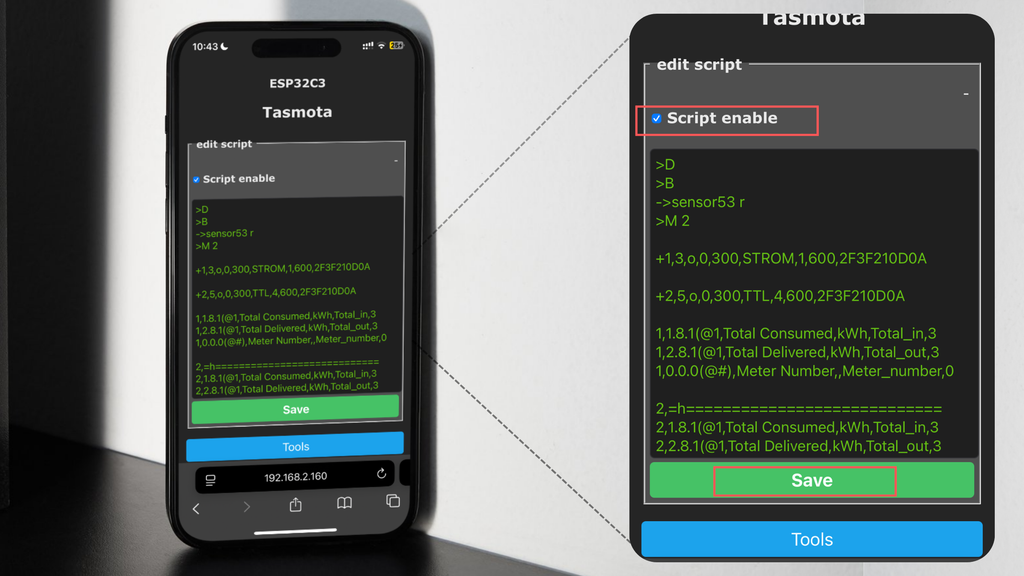
Save the customized script and select Restart from the main menu.
Step 4: Verify Values After Reboot
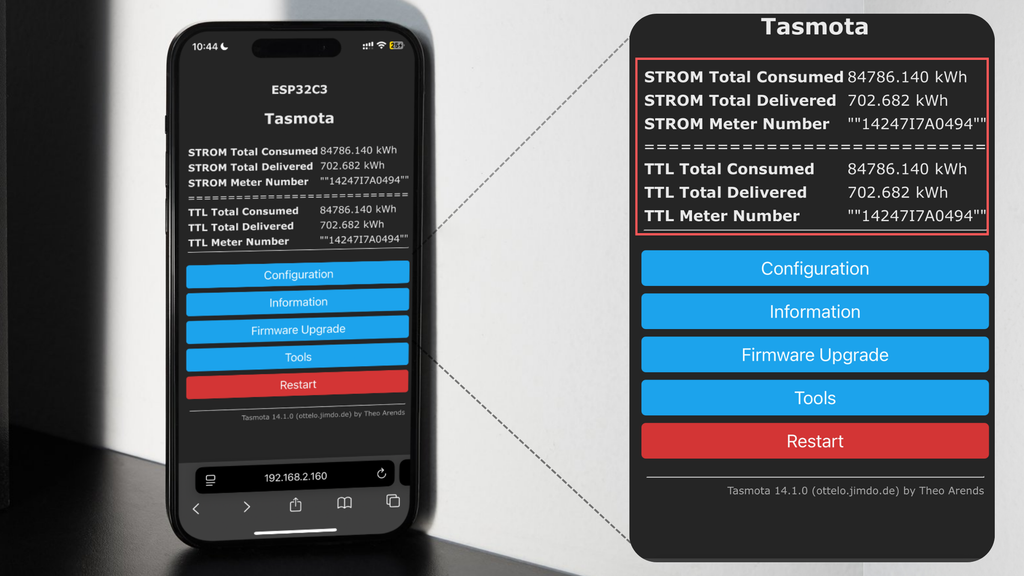
After reboot, both meters should be visible and updating their readings.
Live Monitoring
Your WiFi meter and the additional TTL head are now working simultaneously, allowing real-time electricity usage monitoring and faster troubleshooting if values look off.