Device Reset
If you have problems with your wärmeleser or want to set it up again, you can reset it to factory settings.
Important
A reset deletes all saved settings and configuration. Make sure you have backed up any important data.
When is a reset needed?
A reset may be needed when:
- You have ongoing problems with the device
- The configuration is faulty
- Before passing the device on
- For a fresh installation
Reset options
Soft reset (via app)
A soft reset keeps basic settings:
- Open the energieleser app
- Go to Device → Maintenance → Reset
- Select Soft reset
- Confirm the reset
Factory settings (hard reset)
A hard reset restores all factory settings:
- Open the energieleser app
- Go to Device → Maintenance → Reset
- Select Factory settings
- Confirm the reset
Manual reset (hardware)
If the app is not available:
To reset the device, press and hold the reset button (see Fig. 1 in Installation) for 7 seconds.
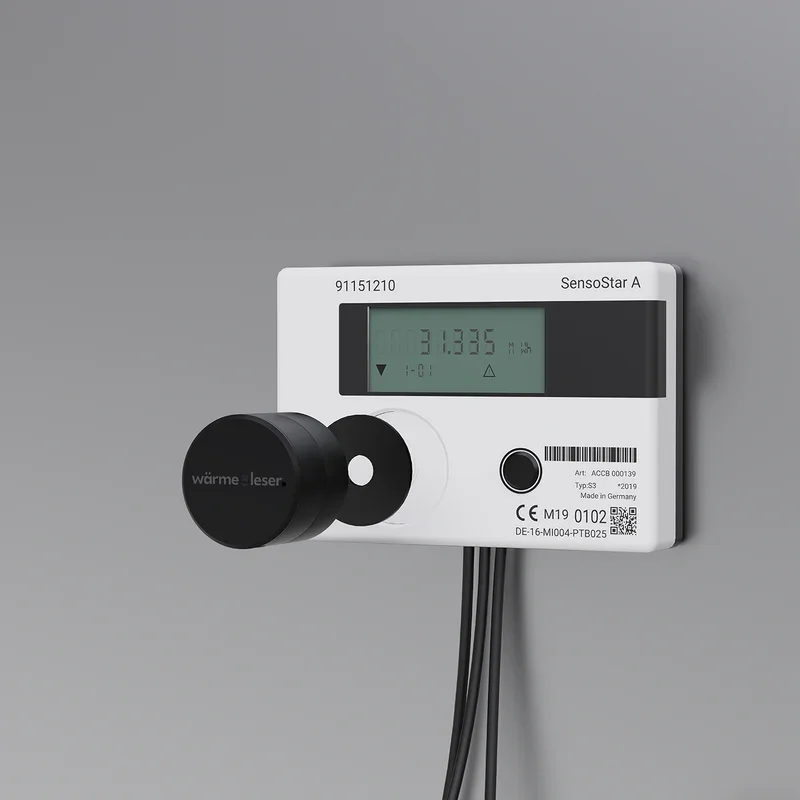
Use the metal pin
Use the metal pin we supplied and carefully press into the opening to activate the button. If the LED flashes blue rapidly, the reset was successful.
- Find the reset button on the device
- Hold the button for 7 seconds
- Wait until the LED flashes blue rapidly (reset successful)
- The device restarts
After the reset
After a reset you need to:
- Set up the device again
- Restore the WiFi connection
- Run the configuration again
- Enter the initial reading again
Next step
After the reset you can start app setup.